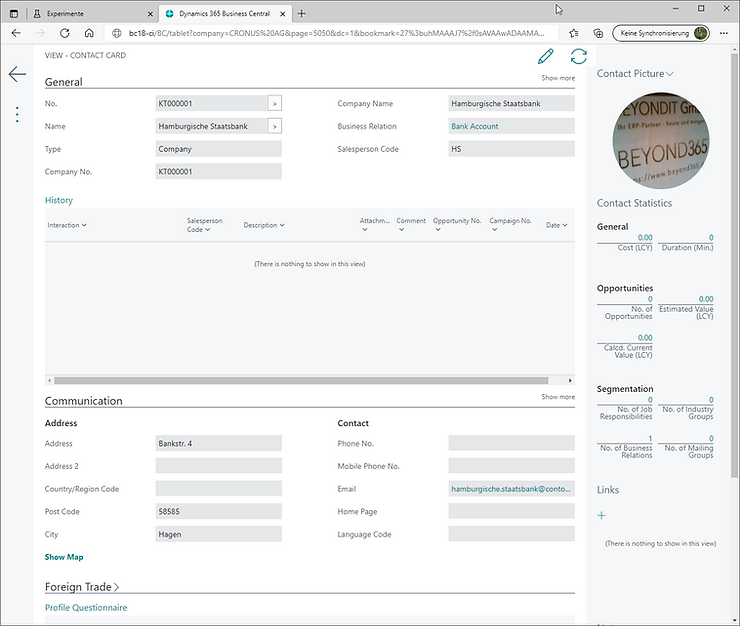
Have you ever tried to take a look at the phone / tablet client by using your browser?
Let's start from scratch and set up your local environment. In this case, I set up a new Docker container without SSL:
- Install Docker (if necessary)
- Enable Hyper V in BIOS/Windows (if necessary)
- Run Windows PowerShell as Administrator
- Install
BCContainerHelper:Install-Module BCContainerHelper - Run the wizard and follow the steps:
New-BCContainerWizard - After a while your container is ready 🎉
Open your browser and enter your local BC container address, for example:
http://bc18-ci/BC/tabletOr go to a specific table or page:
http://bc18-ci/BC/tablet?page=5050ℹ️ More details:
Opening the Business Central Tablet or Phone Client from a Browser
Select a specific contact and open the card:
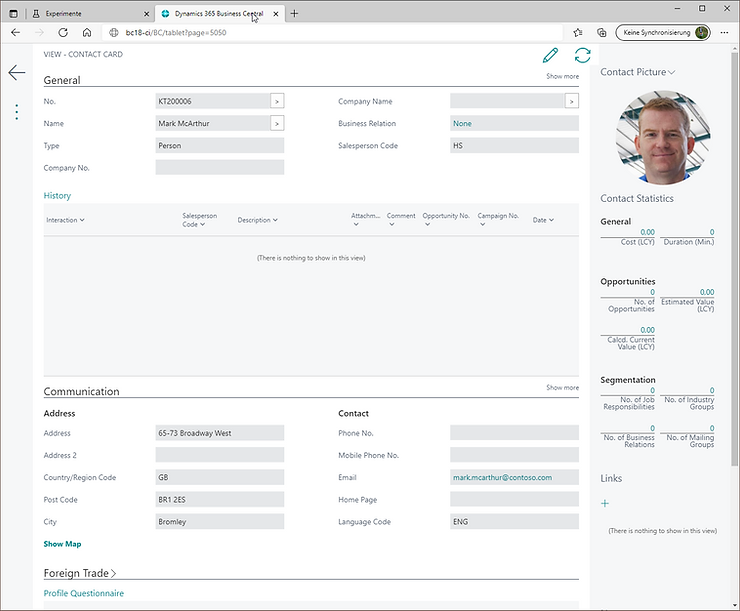
To see the phone client, use this:
http://bc18-ci/BC/phone?page=5050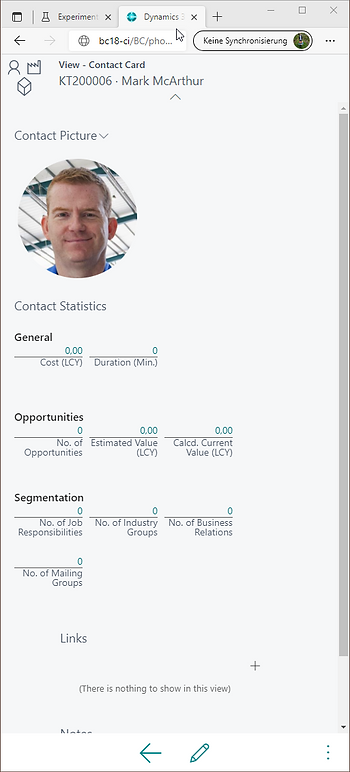
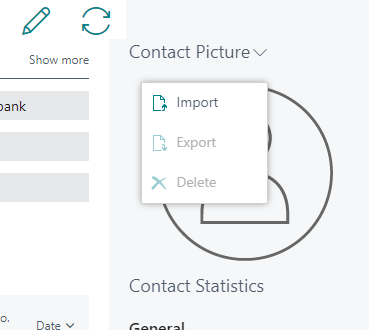
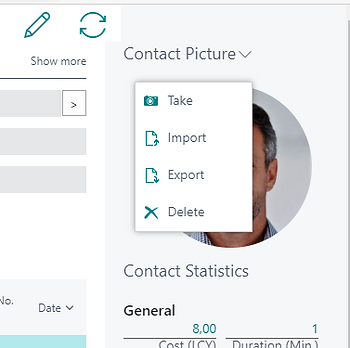
On the Factbox "Contact Picture" we miss one function: "Take" (Take a Picture)
Without SSL:
With SSL:
Jump into your Edge or Chrome browser and look for this experimental flag:
edge://flags/#unsafely-treat-insecure-origin-as-secure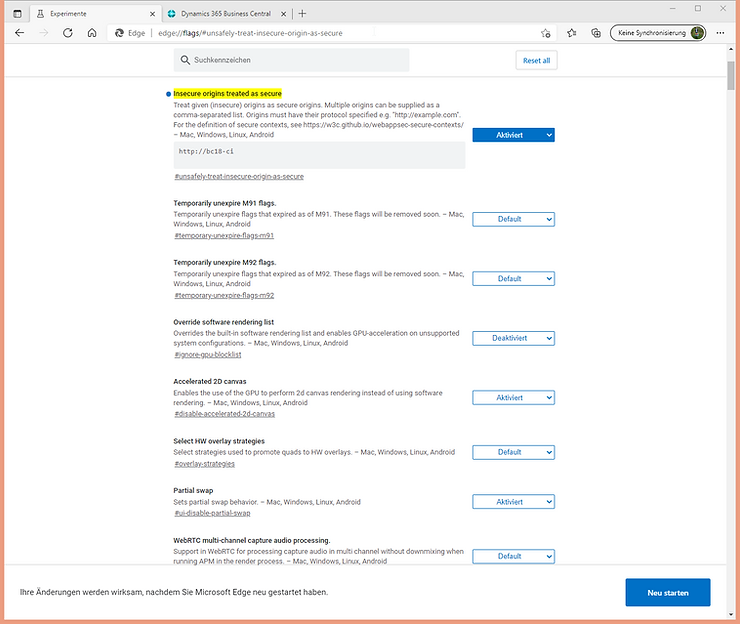
Voilá
Restart your browser and try to take your photo using your local device/webcam:
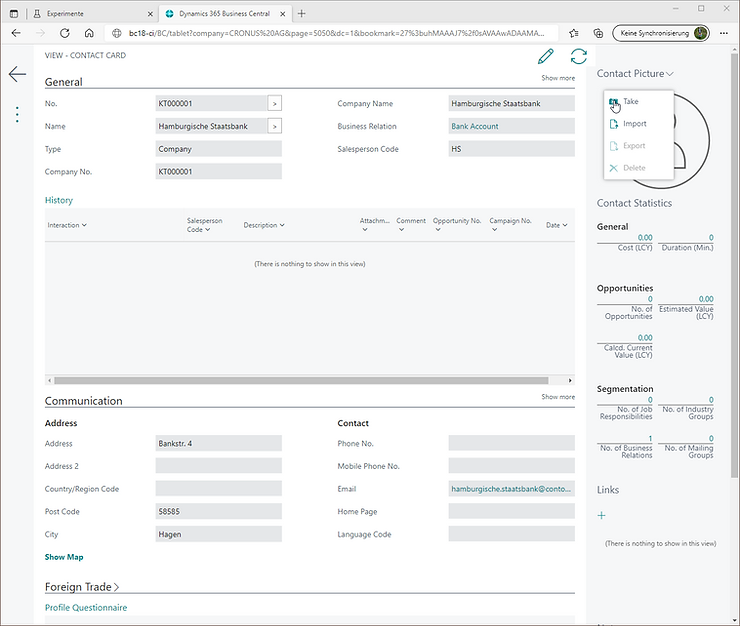
Click "Use":
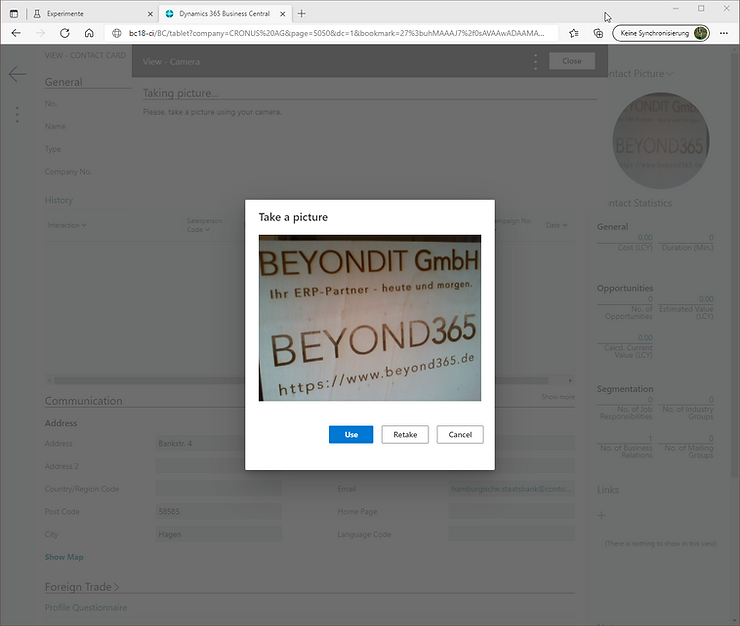
And you're good to go: