

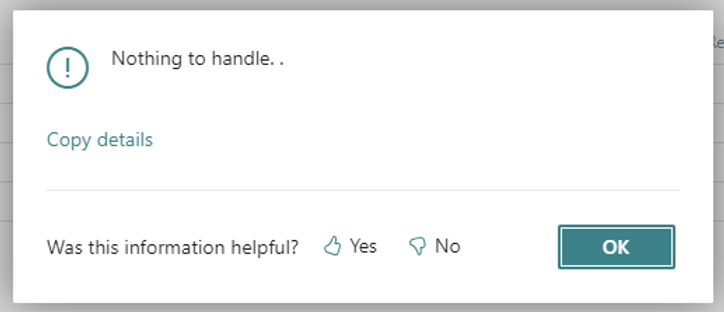
If you're experiencing the "Nothing to handle" message in your Warehouse pick process, it's time to check out the latest update. 🧐
🔍 With the new update, Business Central has enhanced how you manage warehouse processes, especially for internal operations like production 🏭
👉 Key Changes:
- 🔄 Updated Warehouse Handling: Now, you can set up warehouse handling specifically for sales, purchases, transfers, and service operations on the Location Card.
- 🚚 New Fields for Internal Operations: Look out for new fields like 'Production consumption' and 'Assembly consumption' to fine-tune your internal warehouse workflows.
- 🧩 Directed Put-away and Pick: This feature now comes with automatic settings for certain consumption fields, ensuring a smoother process.
🛠️ Upgrade Note: The update might require you to adjust settings based on your current configurations, especially if you are using features like 'Require shipment' or 'Require pick.'
👀 Why This Matters:
- 📌 Clearer Workflow: Define specific flows for various operations, avoiding confusion between inventory picks/movements and warehouse picks.
- 📈 Efficiency Boost: Streamline your warehouse processes for better productivity and accuracy.
🔗 Check out the full update notes from Microsoft for detailed insights.
📚 End of the Story: If you see the message "Nothing to handle" - it's a sign to revisit your setup and ensure you're aligned with the new update. Stay ahead and keep your warehouse operations smooth and efficient! 🌟
